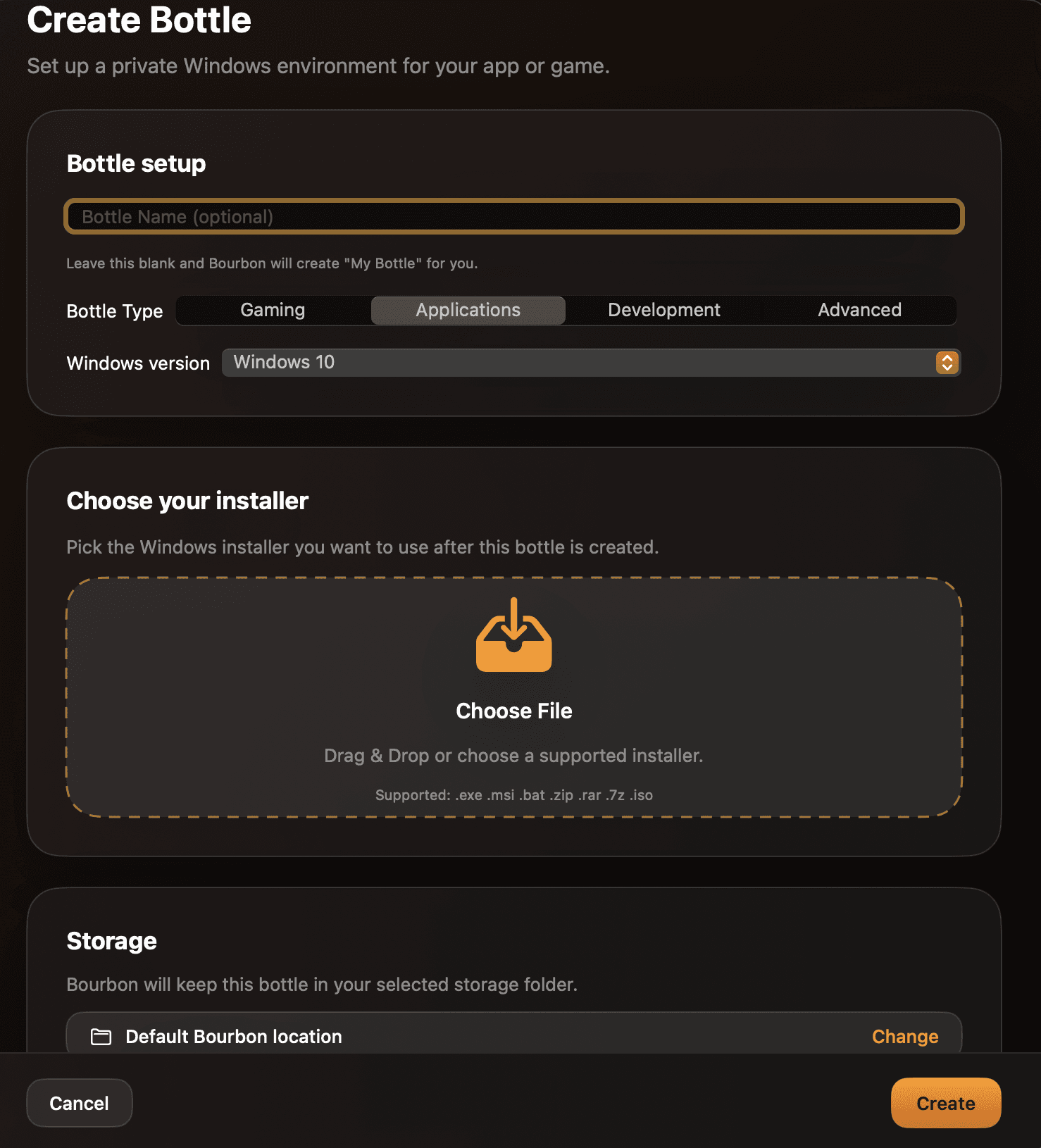
Bottle setup without the terminal
Create isolated Windows environments, choose a Windows version, and add installers from a guided SwiftUI flow.
 Bourbon
Bourbon for macOS
Bourbon gives Apple Silicon Macs a polished way to create bottles, install Windows apps, manage runtimes, and keep compatibility work approachable.
Built for the Mac you already use
Create isolated Windows environments, choose a Windows version, and add installers from a guided SwiftUI flow.
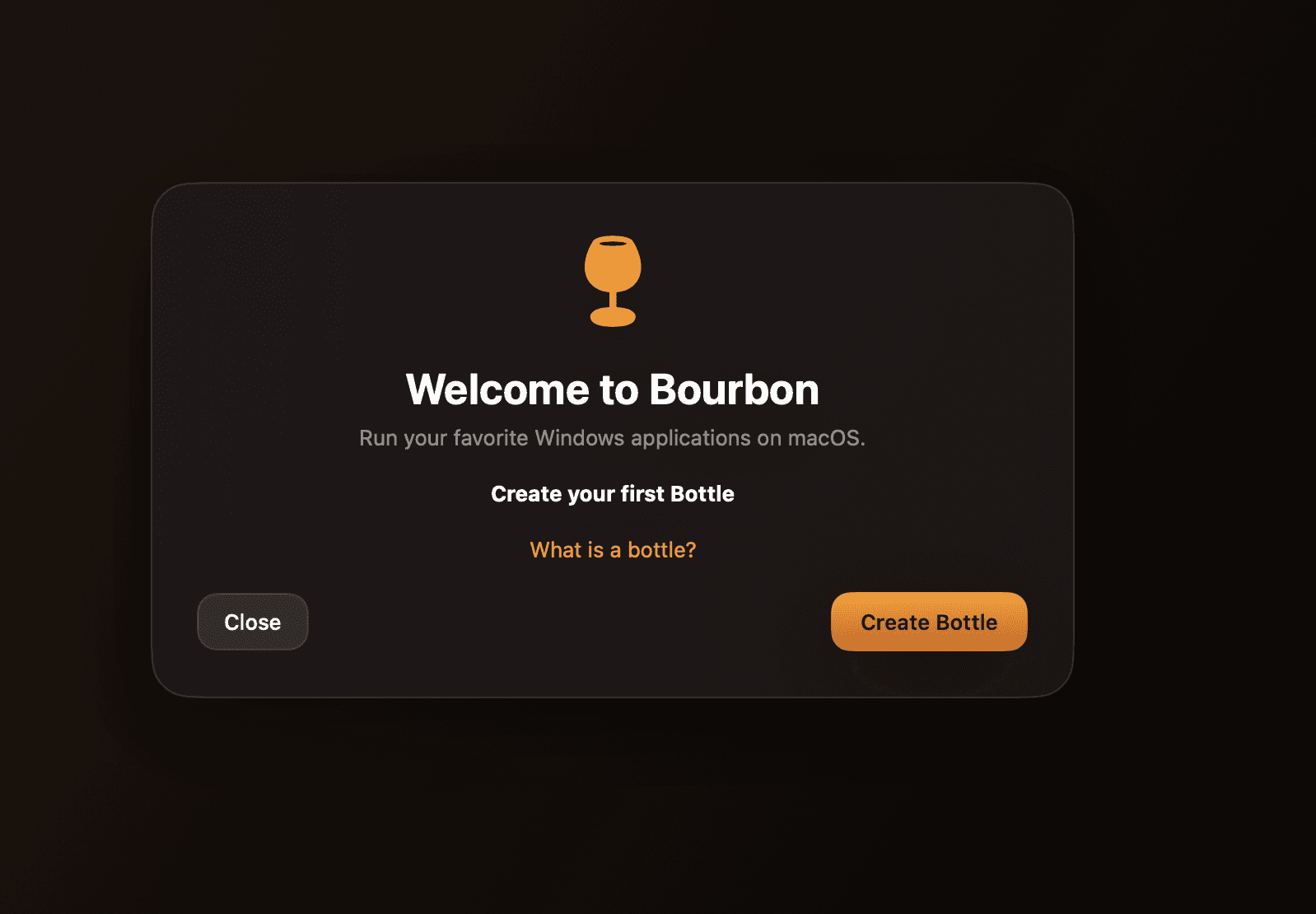
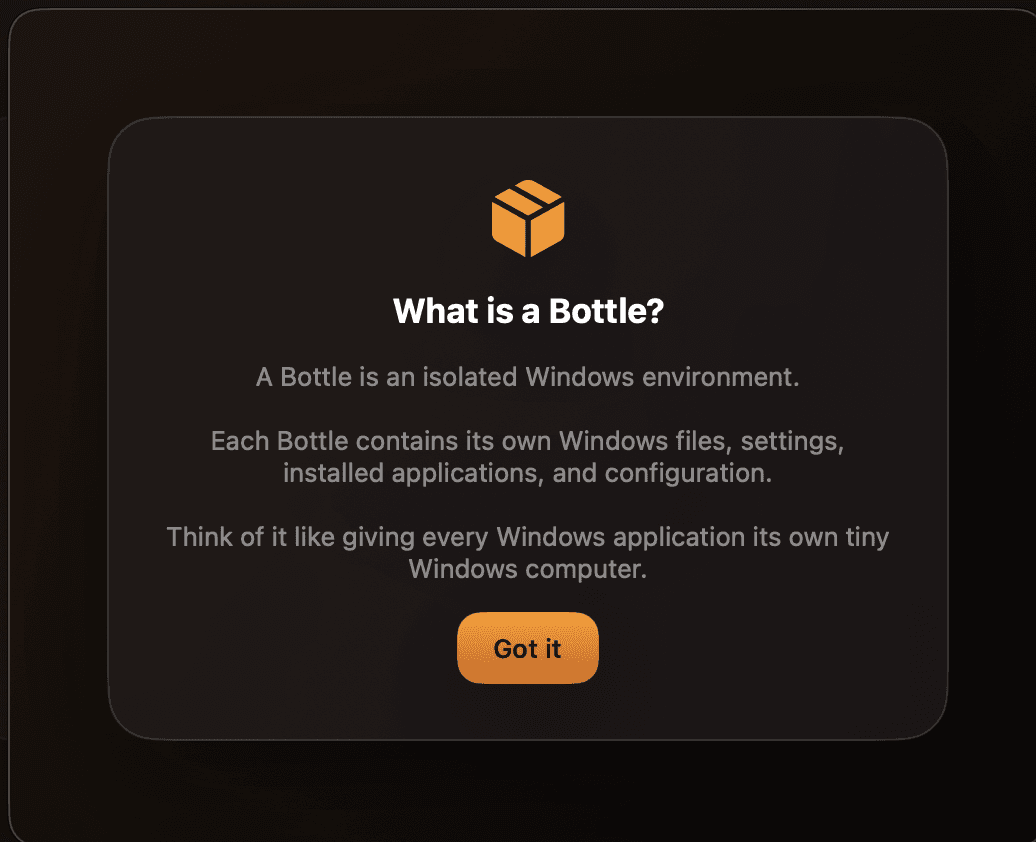
Bourbon keeps apps, settings, registry data, dependencies, and shortcuts organized per bottle on macOS.
Imported installers pass through Bourbon's compatibility system before Wine runs them, including safer launch paths for supported embedded app payloads.
Bourbon in practice
Each Windows app can live in its own managed environment with separate settings, files, registry data, and dependencies.
Bourbon accepts common Windows installer formats and guides setup with macOS controls instead of terminal-first steps.
Sparkle appcasts and BourbonWine runtime metadata keep the app and compatibility stack moving together.
The built-in report flow redacts sensitive tokens and contact details before storing diagnostic reports.
Ready when you are
Requires an Apple Silicon Mac running macOS 14.0 or later.