
Getting started
Windows software, in a native Mac workflow.
Bourbon is a native macOS app for creating Bottles, installing Windows software, and launching it through the runtime Bourbon manages.
What you need
- An Apple Silicon Mac with an M-series chip.
- macOS 14 Sonoma or later.
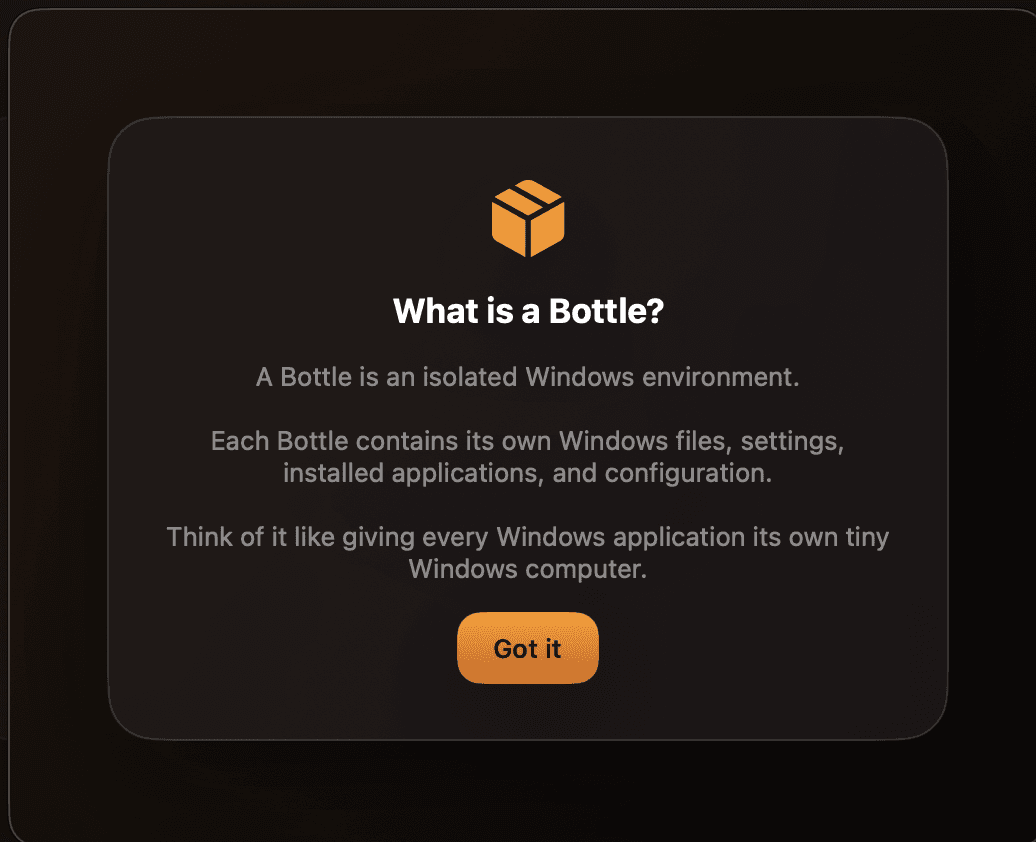
What is a Bottle?
A Bottle is an isolated Windows environment. It keeps its own Windows files, settings, installed apps, and configuration, so apps can stay separate from one another.
What is BourbonWine?
BourbonWine is the runtime Bourbon uses to run Windows software. Bourbon downloads it when it is needed; you do not need to install Wine separately.
Your first launch
Bourbon checks the required setup items, including Rosetta and BourbonWine, then guides you to create your first Bottle and choose a Windows installer. Downloads and setup can take a little time, especially on a new Mac or a slower connection.